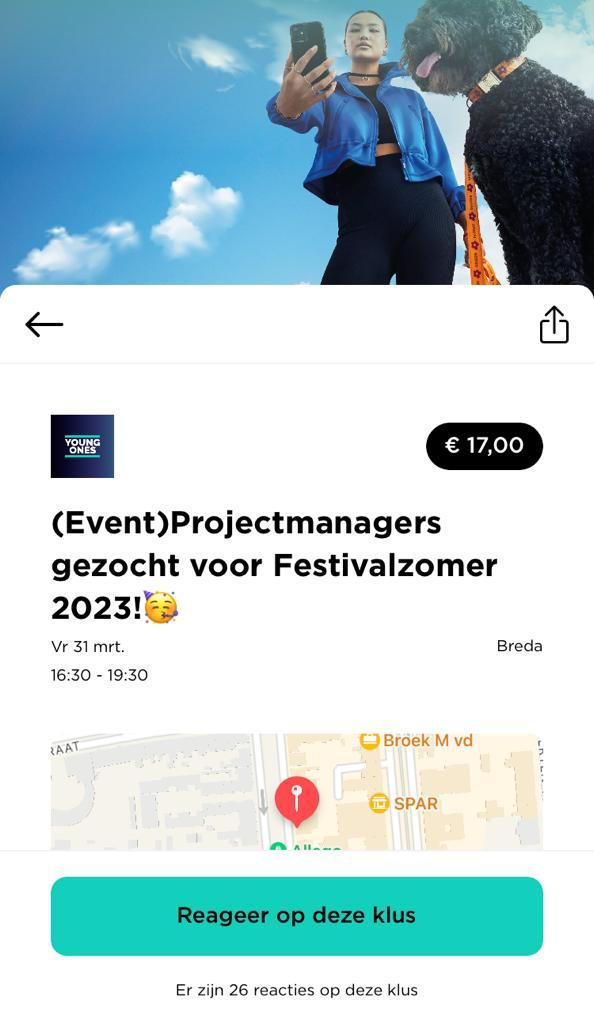
Your profile is your company’s calling card. It’s what makes workers want to apply for your gigs. To make sure your profile stands out, follow these tips:
- Add a clear logo: Make your brand recognisable.
- Pick a cover photo: Use a photo that shows the atmosphere and gives workers a feel for your organisation.
- Write a clear bio: Describe what your company does and what kind of gigs you usually post.
Your contact details are also displayed on your profile. Under 'My profile', you can set the primary contact person for your organisation. The email address you enter in your billing details is where you’ll receive all invoices. You can update this address at any time.
Want to see what your profile looks like on the platform? Click the image below for a preview.